Connectify dispatch pro 使用教程和方法

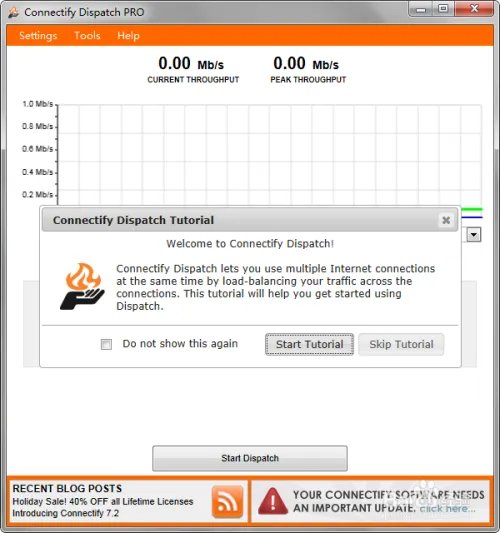
双击打开connectify dispatch pro的应用程序图标。关闭不必要的升级提示。
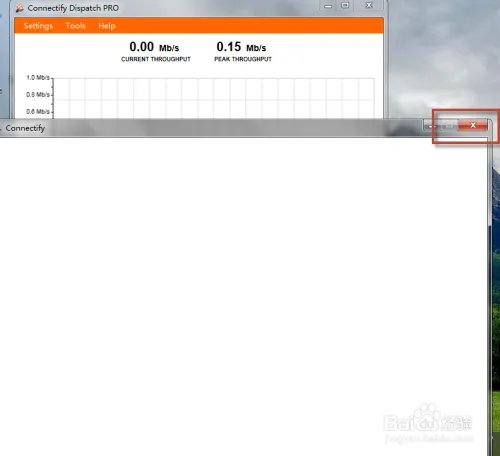
Connectify dispatch pro 使用教程和方法

若能正常打开,则会提示如下图。否则,会要求您激活许可。

Connectify dispatch pro 使用教程和方法

若要求您激活许可,说明您没有许可激活。假如您是破解版,那么需要您先打开dispatch服务。最简单的办法是,先打开hotspot程序再打开dispatch程序,服务自动激活了。升级程序可以点击关闭。
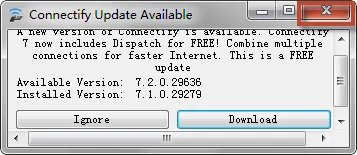
Connectify dispatch pro 使用教程和方法

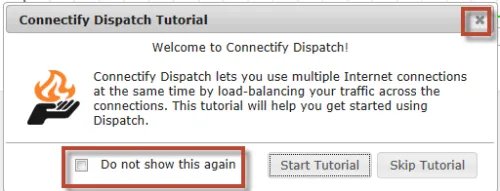
可以选择关闭掉教程。

Connectify dispatch pro 使用教程和方法

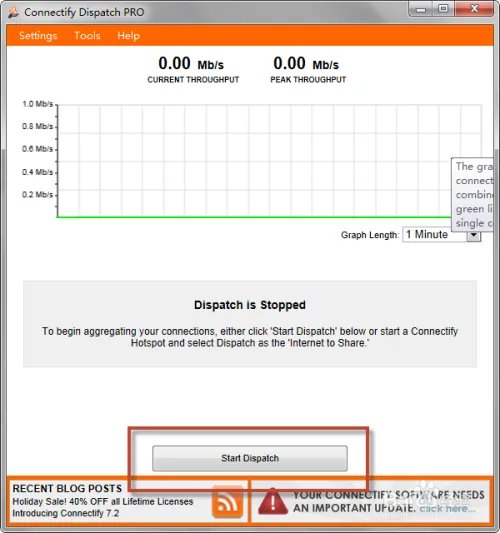
点击start dispatch。启动该程序。

Connectify dispatch pro 使用教程和方法

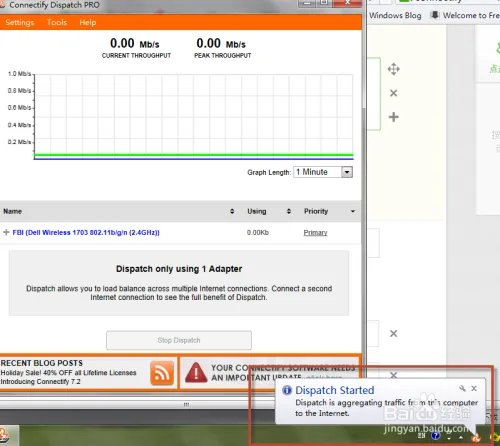
右下角会有启动成功的提示。

Connectify dispatch pro 使用教程和方法

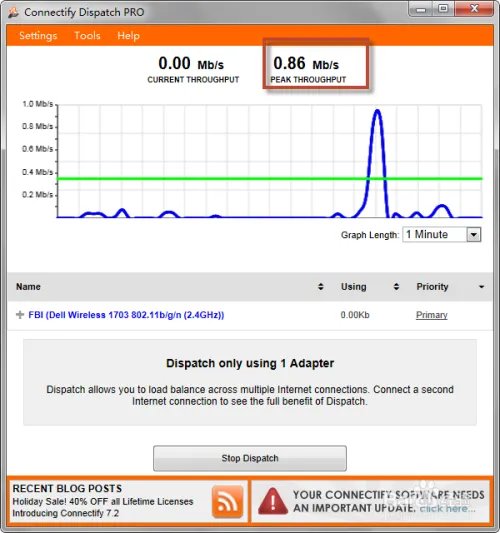
可以看到自己当前网络状态。速度有多快。

Connectify dispatch pro 使用教程和方法

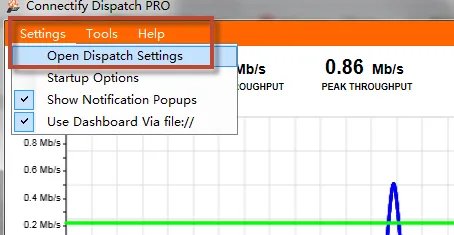
可以设置你的dispatch的连接设置。如下图。

Connectify dispatch pro 使用教程和方法

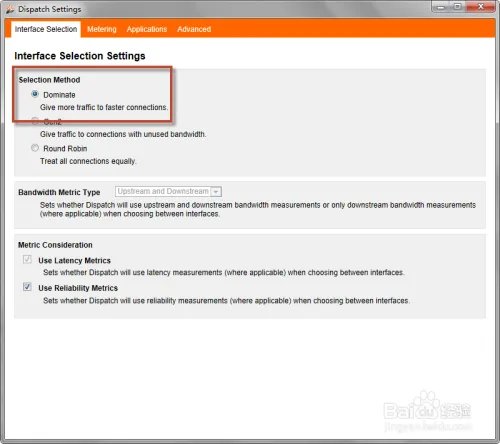
选择dominate的方式来最大化你的网络速度。

Connectify dispatch pro 使用教程和方法

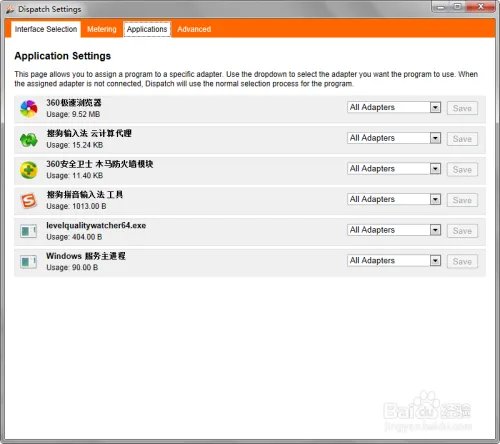
还有其他可以设置的条件。切换到不同选项卡。

Connectify dispatch pro 使用教程和方法

Enjoy it。假如本经验不幸帮助到了您,请点支持。

Connectify dispatch pro 使用教程和方法